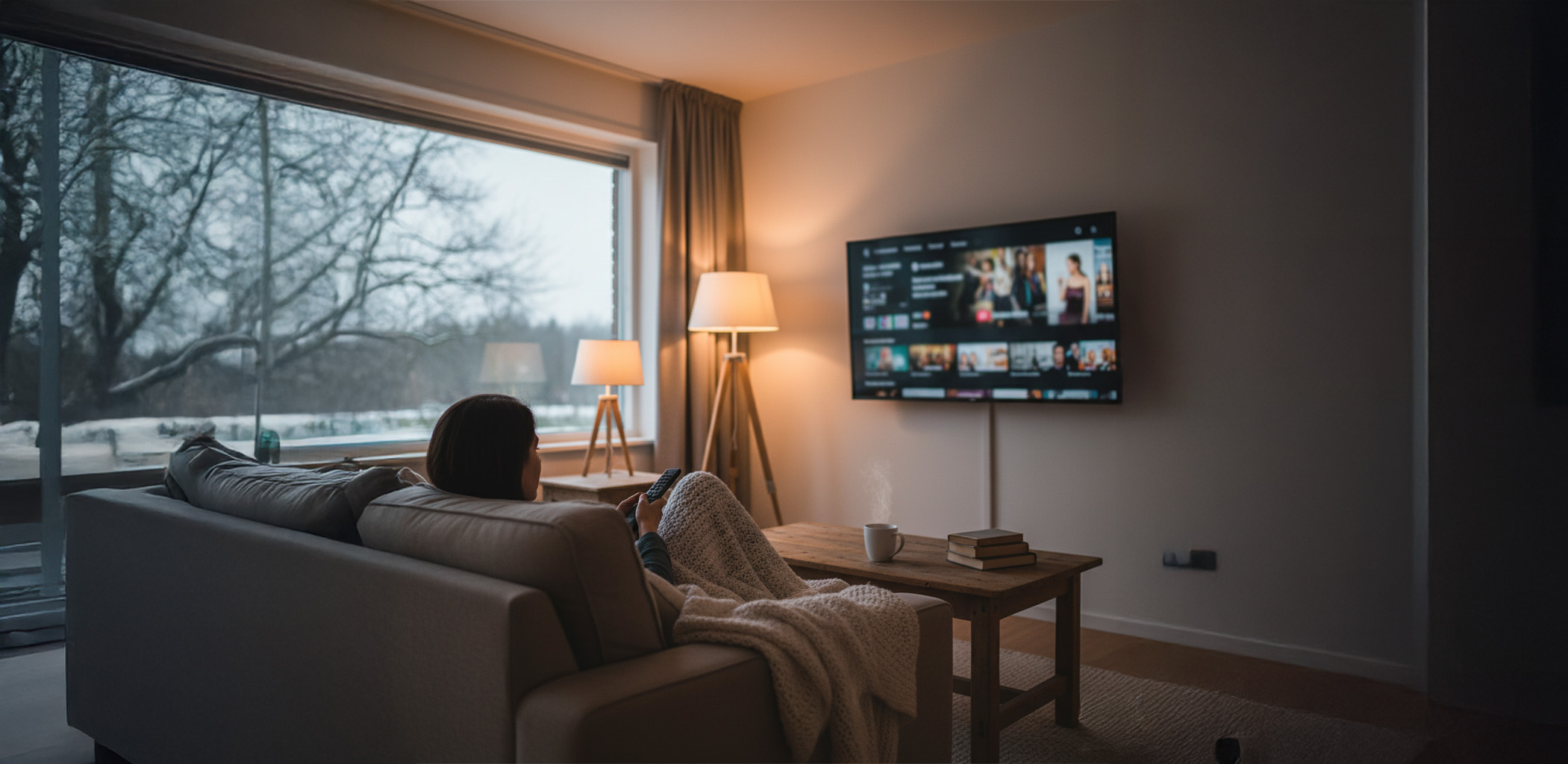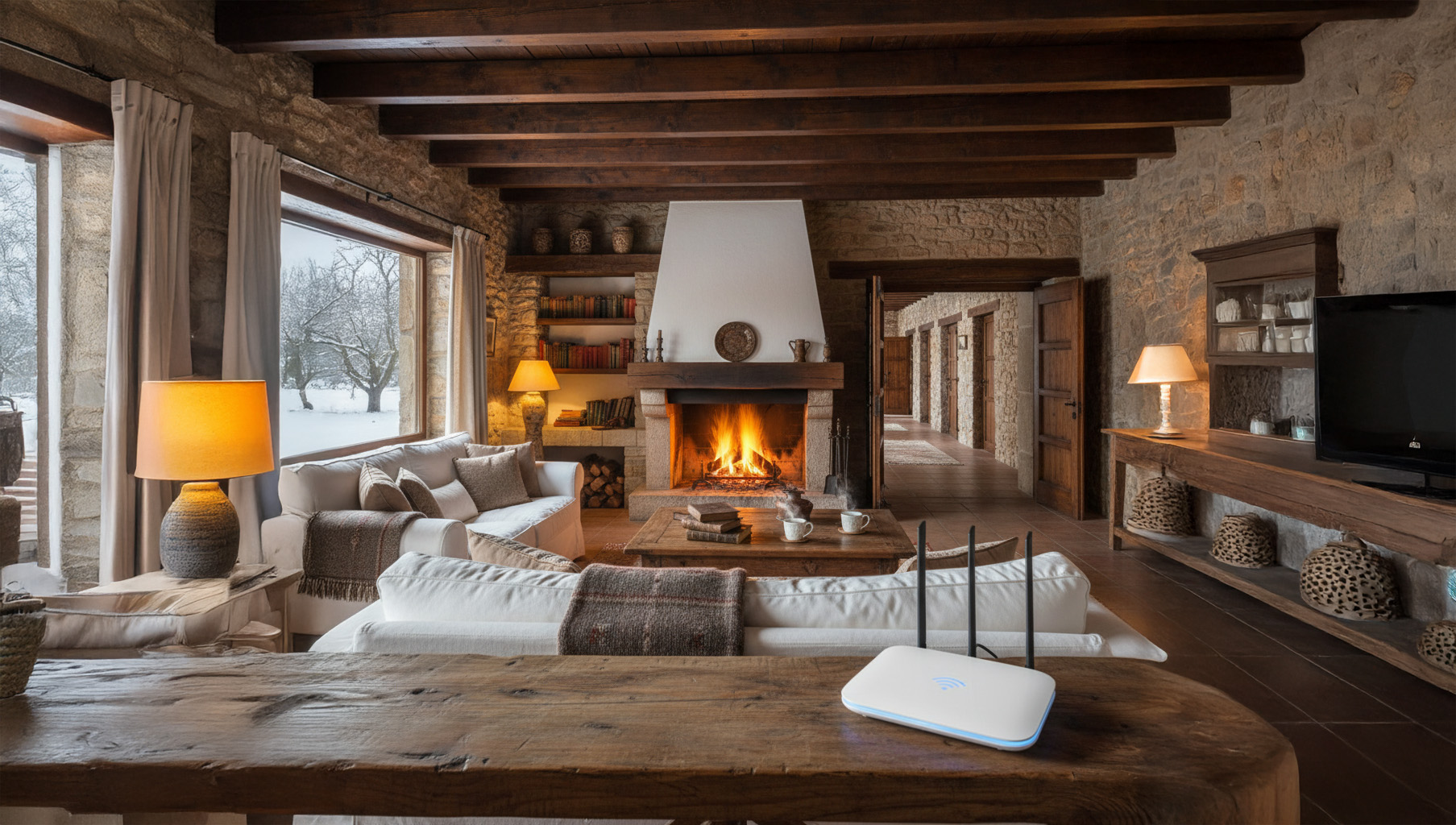




Teleworking and studying in winter: how not to get stuck on hold in the middle of a video call
Teleworking and studying in winter are a combination that can test anyone’s patience. It’s cold outside, it gets dark early, online meetings and classes are multiplying… and just then the connection decides to fail: the image freezes, the audio cuts out and the typical phrase “Can you hear me?” becomes the soundtrack of the day.
For many households, winter is the time of year when people spend the most time indoors and depend most on their internet connection: remote working, homework, online classes, family video calls, educational platforms, meetings with clients… That’s why having stable fibre broadband and a well-set-up WiFi network is no longer a luxury, it’s almost as basic as heating.
Let’s take a step-by-step look at how to prepare your home so that teleworking and studying in winter can happen without any technical dramas.
1. Check whether your fibre speed is up to scratch.
Before blaming the WiFi, it is worth asking yourself an honest question: do you have the speed you need for your actual usage at home?
Think about how many things can coincide at once in winter:
One or two people in video calls (Zoom, Teams, Meet, etc.).
Someone watching a series or film via streaming.
Children with educational platforms or videos.
Automatic updates for computers and consoles.
For teleworking and studying in winter to run smoothly, it is best to have fibre optic broadband that offers sufficient upload and download bandwidth. If your connection crashes every time you have two video calls at the same time, your tariff may not be up to scratch and you may need to upgrade.
2. Place the router where it can truly fulfil its function.
The router is the heart of your connection, and it is often poorly positioned:
At the entrance to the house, next to the landline telephone.
Stuck in a cupboard because “it looks ugly”.
In a corner or behind the television.
To ensure good WiFi coverage in the area where you work and study:
Place the router in a location that is as central as possible within the home.
Try to place it in a high position, not at ground level.
Avoid obstacles (furniture, thick walls) and sources of interference.
If your work area is far away from the router (for example, a room at the back of the house or an attic), you may need WiFi repeaters or a mesh system that distributes the signal better.
3. Prioritise important devices: cable where you can
To avoid getting stuck in the middle of a video call, the most stable connection is via a network cable (Ethernet). It may not be the most attractive option, but it works like a charm for teleworking.
Connect by cable the main work computer if it is in a fixed location.
Leave the WiFi for mobiles, tablets and laptops that move around the house.
If there is a second computer for study or online classes, consider connecting it via cable as well.
If you cannot run cable directly, consider using PLC (adapters that carry the connection through the home’s electrical network). They are a very useful option for rooms that are far away.
4. Optimise your WiFi for video calls and online classes
When you depend on teleworking and studying in winter, video calls have to run smoothly. To improve WiFi performance:
Use the 5 GHz band when you are close to the router: it is faster and more stable.
Leave the band of 2.4 GHz for devices that are further away or that do not need as much speed.
Close applications that consume a lot of bandwidth (downloads, background streaming, heavy updates) while you are in an important meeting or class.
If there are several of you at home, agree on some small rules: for example, no large downloads or updates during critical meetings or online exams.
5. Take care of the digital environment: equipment, audio, and video.
It’s not all about the connection. Sometimes problems with video calls come from the equipment itself:
A computer that is very old can suffer with several apps open.
An old or poorly positioned USB Wi-Fi adapter can cause bottlenecks.
A poor-quality webcam or a faulty microphone can make the experience worse.
To make teleworking and studying in winter more bearable:
Update your operating system and video call applications.
Check that the browser does not have 40 tabs open “out of habit”.
Use headphones with a microphone to improve sound quality (and disturb the rest of the household less).
You don’t need high-end equipment, but everything should be reasonably up to date.
6. Organise schedules and use of the connection at home
In winter, many online activities are concentrated into a few hours. To avoid everything clashing:
Try to avoid scheduling your online classes and important work video calls at the same time, if possible.
If you need to send very large files, schedule the uploads outside of peak hours (for example, at midday or in the evening).
Talk to your family so that everyone knows that, during certain times, priority is given to ‘serious’ use of the connection.
A little organisation can make the difference between a smooth day and one full of interruptions.
7. Do not ignore the symptoms: if it fails a lot, something is wrong.
If, even after applying these tips, teleworking and studying in winter continues to be a nightmare (constant disconnections, very slow speeds, frequent crashes), the problem may no longer be in your home, but in the service you receive.
It’s time to:
Check with your operator to see if there are any incidents or problems with the line.
Check whether the router is outdated and needs to be replaced.
Consider switching to an operator that offers personalised service and understands your situation well.
Ultimately, the goal is simple: to ensure that teleworking and studying in winter do not depend on luck. With good fibre broadband, well-configured WiFi, a bit of organisation and a responsive operator, you can spend the winter connected without getting stuck at the worst part of a video call.
If every winter your connection becomes a problem for work or study, talk to Axarfusión: we will help you review your situation, improve your WiFi and choose the fibre optic service you really need so that your video calls always run smoothly. 📲💜