





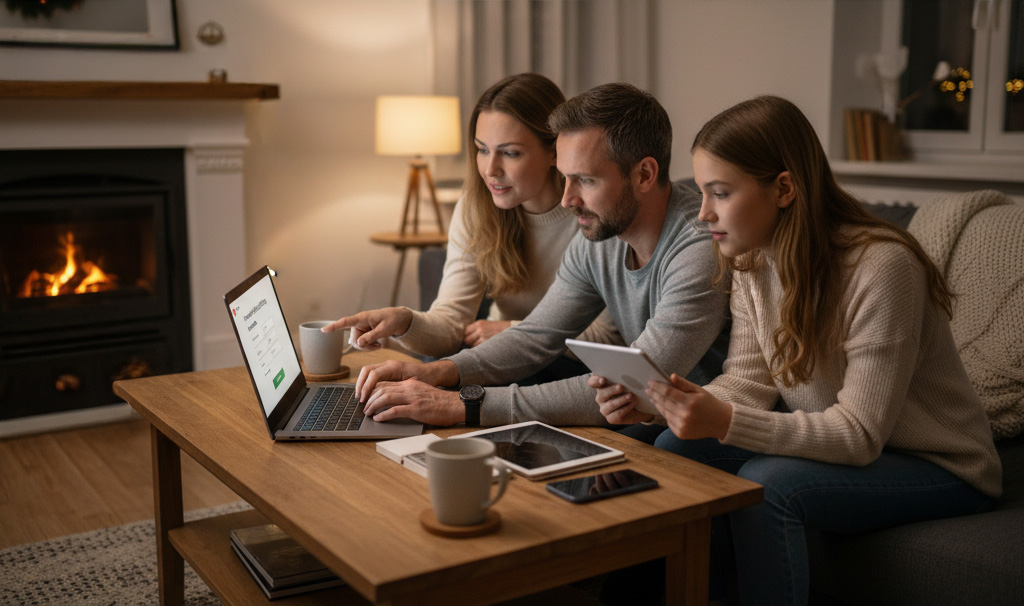

Cybersecurity at home after the holidays: new devices and new passwords
Cybersecurity at home after the holidays is a topic that goes largely unnoticed. After Christmas and Epiphany, many homes receive new mobile phones, tablets, computers, consoles, smart watches, speakers with voice assistants, etc. All this technology connects to your WiFi, manages your data and that of your family, and often remains as it comes from the factory: same password, same settings, same “I’ll change it later” that never comes.
The result is that every year your home has more connected devices, but they are not always better protected. That’s why the weeks after the holidays are the perfect time to do a little “tune-up” of cybersecurity at home after the holidays, taking advantage of the fact that the devices are new and you haven’t yet picked up any bad habits with them.
Let’s take it one step at a time.
1. Make a digital inventory: what has come in new to the house?
Before you start changing settings like crazy, stop for a second and think:
What new devices have entered your home this holiday season?
Who uses them? Adults, teenagers, children?
Do they connect to WiFi, mobile data, or both?
Make a note (even if only mentally) of mobile phones, tablets, laptops, consoles, smart TVs, watches, smart speakers, IP cameras, WiFi plugs… It all adds up. The more connected devices you have, the more important it is to take home cybersecurity after the holidays seriously.
2. Change the factory passwords… all of them.
This step is crucial and is often overlooked:
Router and WiFi
Change the default password (the one on the sticker on the router).
Use a long password with letters, numbers, and symbols.
Avoid things like name + year of birth.
New devices
Mobile phones, tablets, computers: use secure codes or PINs, not “0000” or “1234”.
If the device has an associated account (Google, Apple, etc.), ensure that it also has a strong password.
Important services and apps
Primary email address for the family.
Online shopping platforms.
Banks and financial apps.
After the holidays, it’s a good idea to start fresh and set up new, more secure passwords. And if you can, use a password manager so you don’t go mad trying to remember them all.
3. Enable two-factor authentication (2FA)
The best companion for new passwords is two-step verification. It is that extra layer of security that ensures that even if someone discovers your password, they cannot log in without an additional code.
Start by:
Email address.
Services where you have saved payment details.
Social networks that you use on a daily basis.
Cybersecurity at home after the holidays improves greatly with this one tip alone. Your accounts are much better protected against password theft or unauthorised access attempts.
4. Review the security of your WiFi and guest network
Your WiFi is the gateway for almost all devices. After the holidays:
Check your network name (SSID)
Avoid names that include your full name, address, or personal details.
If you want something fun, make sure there are no clues about who you are or where you live.
Create a network of guests
Ideal if you have a lot of visitors, especially those with mobile phones and laptops.
This way, you do not share the same password that your main devices use.
Encrypt your network using WPA2 or WPA3
If your router is very old and only offers insecure options (such as WEP), it may be worth talking to your operator about replacing it.
A good WiFi configuration is essential for cybersecurity at home after the holidays, especially if you live in a flat or house where the network could be visible from other homes.
5. Set up parental controls and accounts for children
Children tend to benefit greatly from technological gifts, but at the same time they are more vulnerable on the internet.
Create child profiles on Smart TVs and streaming platforms.
Use restricted accounts or parental controls on tablets and mobile phones.
Limit downloads and in-app purchases to avoid surprises on your card.
Family cybersecurity isn’t just about hackers: it’s also about protecting children from inappropriate content, aggressive advertising, and hidden scams in “free” games.
6. Update everything: yes, it’s a pain, but it’s essential.
After connecting all your new gadgets, take some time to update:
Operating system for mobile phones, tablets and computers.
Main apps you use for email, banking, messaging, and social media.
Firmware for Smart TVs and other connected devices.
Many updates include security patches that fix important bugs. This is an essential part of cybersecurity at home after the holidays: keeping everything up to date reduces risks without you having to do anything more complicated.
7. Digital clean-up: apps, permissions, and subscriptions
Take advantage of this post-Christmas “digital MOT” to do some cleaning up:
Delete apps you don’t use (fewer apps, fewer potential problems).
Check what permissions the ones you keep have: access to camera, microphone, location…
Uninstall old programmes from your computer that are no longer supported.
The fewer fronts you have open, the easier it is to maintain good security at home.
Ultimately, cybersecurity at home after the holidays is a matter of common sense and taking a little time now to avoid surprises later. You don’t have to be an expert: just change your passwords, enable two-step verification, check your WiFi, look after your children’s devices and keep everything up to date.
If you want a secure, stable connection and a friendly team to ask when you have questions, talk to Axarfusión: we’ll help you get your home network ready for all those new devices… and much better protected. 📲💜